WWDC 2025: Don't Panic - A Developer's Focused Session Guide
4 min read
- #xcode
- #career
WWDC 2025 dropped 100+ sessions, and you’re probably feeling overwhelmed. Here’s the truth: You don’t need to watch everything. This guide helps you pick the 3-5 sessions that actually matter for your current work, not some imaginary future project.
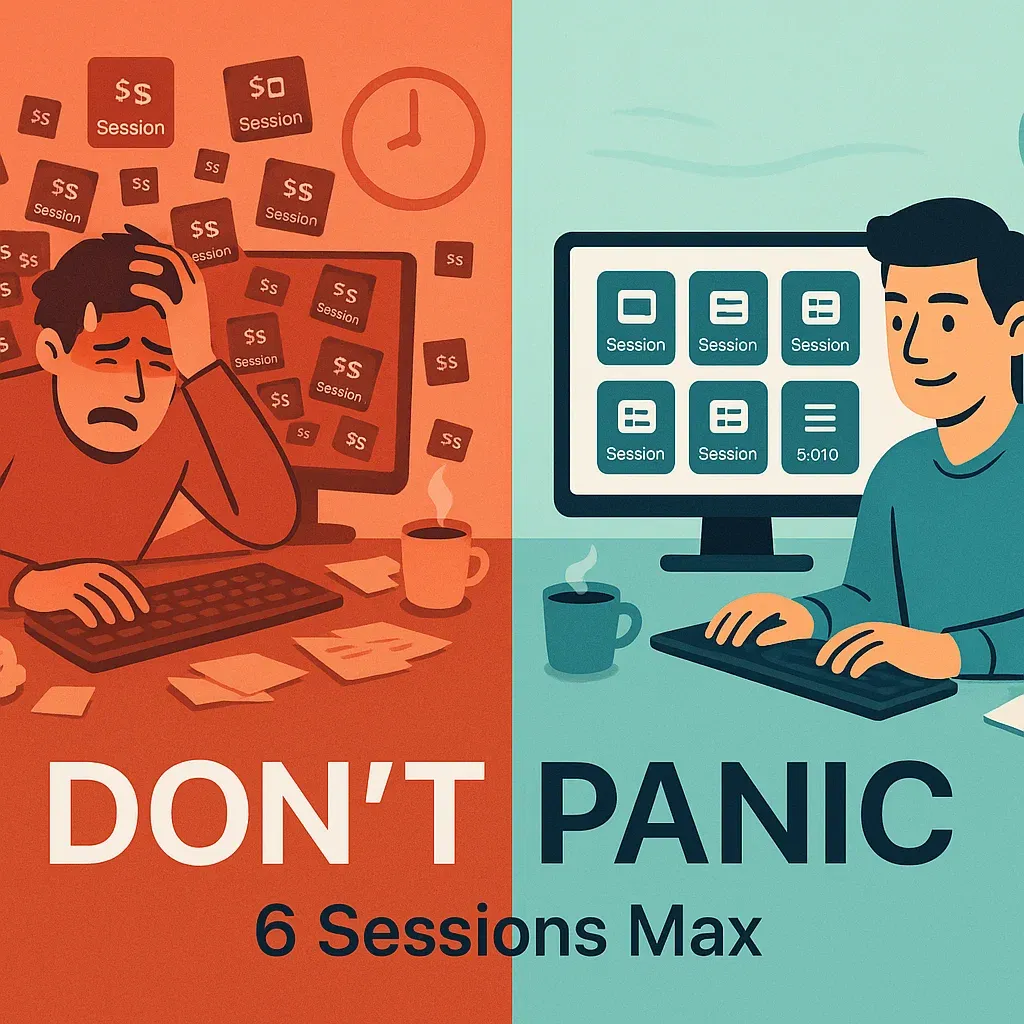
🎯 The “Don’t Panic” Principle
Stop trying to keep up with everything. Pick sessions based on what you’re building right now, not what you might build someday. Apple will be here next year with more updates.
📋 Find Your Focus: Session Categories by Need
🚨 “I Need This Now” (Watch This Week)
If you’re shipping an app in the next 3 months:
1. “What’s new in SwiftUI” - WWDC25
- 📺 Watch Session
- Why: Automatic Liquid Glass adoption just by recompiling
- Time Impact: 30 min session saves hours of manual UI updates
2. “What’s new in Xcode 26” - WWDC25
- 📺 Watch Session
- Why: Essential developer tools, AI-powered coding assistance, improved debugging - this is your daily workflow
- Time Impact: Core productivity improvements for every developer
3. “Build a SwiftUI app with the new design” - WWDC25
- 📺 Watch Session
- Why: Practical implementation, not just theory
- Skip if: You’re not planning UI updates before iOS 26 ships
💡 “This Could Help My App” (Watch Next Month)
If you want to add AI features:
4. “Meet the Foundation Models framework” - WWDC25
- 📺 Watch Session
- Why: On-device AI with 3 lines of code, no API costs
- Skip if: Your app doesn’t need text processing, summarization, or content generation
If you have performance issues:
5. “Optimize SwiftUI performance with instruments” - WWDC25
- 📺 Watch Session
- Why: New profiling tools for SwiftUI-specific bottlenecks
- Skip if: Your app performance is fine
🔮 “Future Planning” (Save for Later)
If you’re planning new features for 2026:
6. “What’s new in Swift” - WWDC25
- 📺 Watch Session
- Why: Swift 6.2 concurrency improvements and new language features
- When to watch: When you’re ready to adopt Swift 6 (not before)
7. “Deep dive into the Foundation Models framework” - WWDC25
- 📺 Watch Session
- Why: Advanced AI techniques, but only after you’ve tried the basics
🗓 Your Personalized Watching Schedule
Week 1: Immediate Impact
- Pick ONE session from “I Need This Now”
- Download Xcode 26 beta
- Test your app with automatic Liquid Glass
Week 2: Evaluate and Plan
- Watch your second priority session
- Decide: Do the new features solve real problems in your app?
- If yes, continue. If no, stop here.
Month 2-3: Implementation
- Watch implementation-focused sessions only for features you’re actually building
- Ignore everything else
⚡ Quick Decision Framework
Before watching any session, ask:
-
“Am I building this feature in the next 6 months?”
- No? Skip it.
-
“Will this solve a real problem users are having?”
- No? Skip it.
-
“Do I have time to implement this properly?”
- No? Skip it.
🎬 Session Watching Tips
Make Sessions Work for You
- Watch at 1.25x speed - Apple sessions have lots of fluff
- Jump to demo timestamps - Skip the marketing intro
- Take notes only on actionable items - Not everything interesting is useful
Stop These Bad Habits
- ❌ Watching sessions “just to stay current”
- ❌ Taking detailed notes on things you’ll never implement
- ❌ Feeling guilty about missing sessions
- ❌ Watching all SwiftUI sessions because you use SwiftUI
🤔 Common Developer Scenarios
“I’m Maintaining an Existing App”
Watch: SwiftUI session for Liquid Glass adoption Skip: Everything else until you have a specific need
“I’m Building Something New”
Watch: SwiftUI + one specialized session for your main feature Skip: Advanced topics until your core app works
“I Want to Add AI Features”
Watch: Foundation Models intro session Skip: Deep dive until you’ve built something basic
“I’m Having Performance Issues”
Watch: Instruments session Skip: Everything else until performance is fixed
“I Work on a Team”
Strategy: Divide sessions among team members Share: 10-minute summaries, not full session notes
🚀 The 80/20 Rule for WWDC
80% of the value comes from 20% of the sessions. For most developers, that’s 2-3 sessions max.
The rest is either:
- Too specialized for your current needs
- Nice-to-have features you’ll never implement
- Marketing content dressed up as technical content
🎯 Your Action Plan
- Pick your category from the scenarios above
- Watch 1 session this week - the one most relevant to your current work
- Implement something small - prove the concept works for you
- Only then consider watching a second session
💡 Remember: WWDC Will Still Be Here Tomorrow
Apple releases these features gradually. You don’t need to adopt everything in week one. Most developers I know who try to implement every WWDC feature end up implementing none of them well.
Focus on shipping great apps, not on keeping up with every announcement.
The best WWDC strategy? Pick one thing, do it really well, then move on to the next thing next year.
This guide is designed to keep you focused and productive. Bookmark it, but more importantly, stick to your chosen sessions and resist the urge to watch “just one more.”
Get the next one
Deep dives on Swift and SwiftUI, plus what changed at WWDC and what is worth adopting.